Releases & CI/CD
Everything from a pull request to a published, signed release is automated. Nobody builds or uploads anything by hand.
The pipeline
flowchart LR
  PR[Pull request] --> CI{CI}
  CI -->|green + review| main[(main)]
  main --> RP[release-please<br/>updates release PR]
  RP -->|merge release PR| tag[tag vX.Y.Z]
  tag --> GR[GoReleaser<br/>binaries · deb/rpm/apk<br/>checksums + cosign · SBOM<br/>Homebrew cask]
  tag --> IMG[Container image<br/>amd64 + arm64<br/>cosign · SBOM · provenance]
main --> DOCS[Docs → GitHub Pages<br/>+ install.sh]Workflows
| Workflow | When | What it does |
|---|---|---|
CI ci.yml |
every PR, push to main |
tests with -race on Linux and macOS; go mod tidy check; golangci-lint + ShellCheck; govulncheck; gitleaks secret scan; refuses committed .pem/.key/.crt/.pfx/.env; cross-build for 6 platforms; GoReleaser dry run; Docker build + smoke test; docs build in strict mode (broken links fail) |
PR title pr-title.yml |
every PR | the title must be a Conventional Commit, because it becomes the changelog entry |
CodeQL codeql.yml |
PRs, main, weekly |
static security analysis (security-extended) |
Scorecard scorecard.yml |
main, weekly |
OpenSSF Scorecard supply-chain rating and the README badge |
Release release.yml |
push to main |
release-please → GoReleaser → container image (below) |
Docs docs.yml |
changes to docs/, *.md, install.sh |
builds this site and publishes it, with install.sh, to GitHub Pages |
| Dependabot | weekly | updates Go modules, GitHub Actions (pinned by SHA), base image, docs tooling |
Every third-party action is pinned to a commit SHA and every job starts with least-privilege permissions. harden-runner audits network egress during builds.
How a version is chosen
You never pick version numbers. release-please reads the commit titles merged since the last release:
| Commit title | Next version (from 1.4.2) |
|---|---|
fix: … |
1.4.3 |
feat: … |
1.5.0 |
feat!: … or a BREAKING CHANGE: footer |
2.0.0 |
docs:, chore:, ci:, test:, refactor: |
no release on their own |
Before 1.0, breaking changes bump the minor version.
It keeps one pull request open, "chore(main): release x.y.z", with the new version and the CHANGELOG.md entries. Merging that PR publishes the release.
Reviewing bot PRs
Release-please and Dependabot PRs are changes like any other. Before merging one, read the diff (version bump and changelog, or the dependency update and its release notes) and approve it (Files changed → Review changes → Approve). The approval is a real review, and approved changesets are what the OpenSSF Scorecard Code-Review check counts. Do not merge them with an admin bypass.
What a release contains
| Asset | For |
|---|---|
sslsync_X.Y.Z_{darwin,linux,windows}_{amd64,arm64}.tar.gz/.zip |
the install script, manual download |
sslsync_X.Y.Z_linux_{amd64,arm64}.{deb,rpm,apk} |
dpkg -i, rpm -i, apk add |
checksums.txt + checksums.txt.sigstore.json |
integrity; signed keyless with cosign by this repository's workflow |
*.sbom.json |
software bill of materials per archive |
| build provenance attestations | gh attestation verify <file> --repo ilramdhan/sslsync |
sslsync_X.Y.Z.intoto.jsonl |
the same SLSA provenance as a release asset, for offline checks: gh attestation verify <file> --bundle sslsync_X.Y.Z.intoto.jsonl --repo ilramdhan/sslsync |
ghcr.io/ilramdhan/sslsync:X.Y.Z, :X.Y, :X, :latest |
Docker; multi-arch, signed, with SBOM and SLSA provenance |
Homebrew cask in ilramdhan/homebrew-tap |
brew install --cask ilramdhan/tap/sslsync |
Builds are reproducible: -trimpath plus the commit timestamp as the file time.
Verifying a release
# checksums signature, then the archive
cosign verify-blob --bundle checksums.txt.sigstore.json \
  --certificate-identity-regexp 'https://github.com/ilramdhan/sslsync/' \
  --certificate-oidc-issuer https://token.actions.githubusercontent.com checksums.txt
sha256sum --ignore-missing -c checksums.txt

# provenance: which workflow built it, from which commit
gh attestation verify sslsync_*_linux_amd64.tar.gz --repo ilramdhan/sslsync

# container image
cosign verify ghcr.io/ilramdhan/sslsync:latest \
  --certificate-identity-regexp 'https://github.com/ilramdhan/sslsync/' \
  --certificate-oidc-issuer https://token.actions.githubusercontent.com
One-time repository setup (maintainer)
- Settings → Actions → General → Workflow permissions: Read repository contents, and tick Allow GitHub Actions to create and approve pull requests (release-please).
- Settings → Pages → Source: GitHub Actions.
- Settings → Code security: enable Private vulnerability reporting, Dependabot alerts / security updates, Secret scanning + Push protection.
- Settings → Rules → Rulesets for
main: require a pull request with 1 approval from code owners, require status checks (Test (ubuntu-latest),Test (macos-latest),Lint,Security,Build …,Release config,Docker image,Docs build,conventional,analyze), block force pushes, require linear history, and allow squash merge only. - Homebrew (optional): create the public repo
ilramdhan/homebrew-tap, then a fine-grained token with Contents: read & write on only that repo, saved as the Actions secretHOMEBREW_TAP_TOKEN. Without it, everything except the cask is still released. - Packages: after the first release, set
ghcr.io/ilramdhan/sslsyncto Public (Package settings → Change visibility). - Release PR token (recommended): pull requests opened with the default
GITHUB_TOKENdo not trigger other workflows, so without this the release PR gets no CI or CodeQL run. Create a fine-grained personal access token (Settings → Developer settings → Fine-grained tokens) with Repository access: Only select repositories →ilramdhan/sslsyncand Repository permissions: Contents: Read and write, Pull requests: Read and write (Metadata: Read-only is added automatically), nothing else. Save it as the Actions secretRELEASE_PLEASE_TOKEN. A GitHub App installation token with the same permissions works too. Without the secret, release-please falls back toGITHUB_TOKENand still works. After adding it, close the open release PR; release-please recreates it with the new token, so its checks run. -
OpenSSF Best Practices badge: sign in at bestpractices.dev with GitHub, choose Add project, and enter
https://github.com/ilramdhan/sslsync. Most passing criteria are already met; point the form at:- [x] License: MIT,
LICENSE(License) - [x] Contribution guide:
CONTRIBUTING.md(Contributing) - [x] Vulnerability reporting:
SECURITY.mdand private vulnerability reporting (Security policy) - [x] Version control: public repository on GitHub, every change through a pull request
- [x] Changelog:
CHANGELOG.md, written by release-please - [x] Automated tests: CI runs
go test -raceon Linux and macOS for every PR - [x] Static analysis: CodeQL (
security-extended) and golangci-lint on every PR; govulncheck for dependencies - [x] Signed releases: cosign-signed checksums and SLSA build provenance
- [x] HTTPS: the project site and downloads are served over HTTPS (GitHub Pages, GitHub Releases)
Then add the badge it gives you to the README. 9. Settings → General → Social preview: upload
docs/assets/social-preview.png. - [x] License: MIT,
Launch images
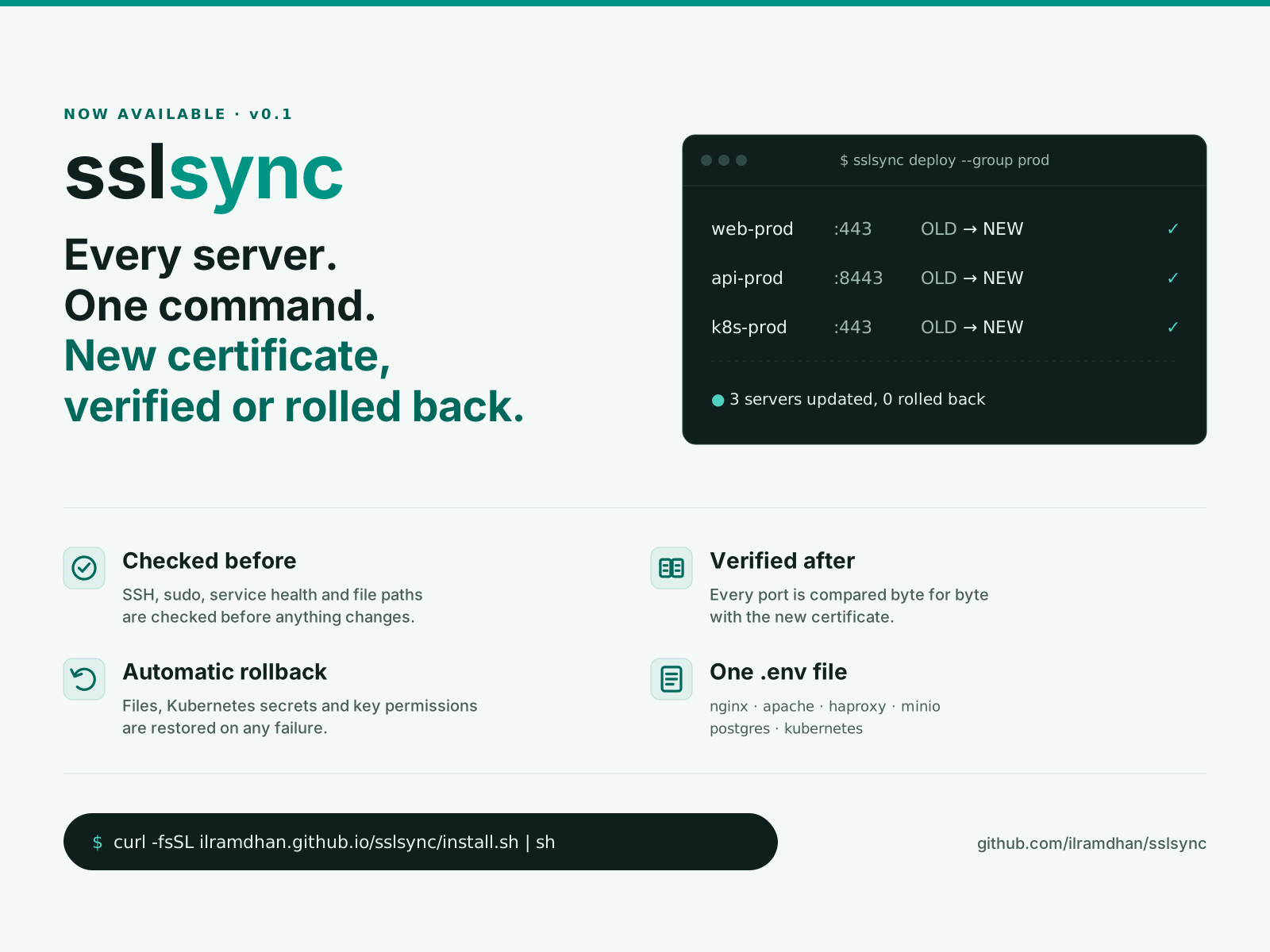
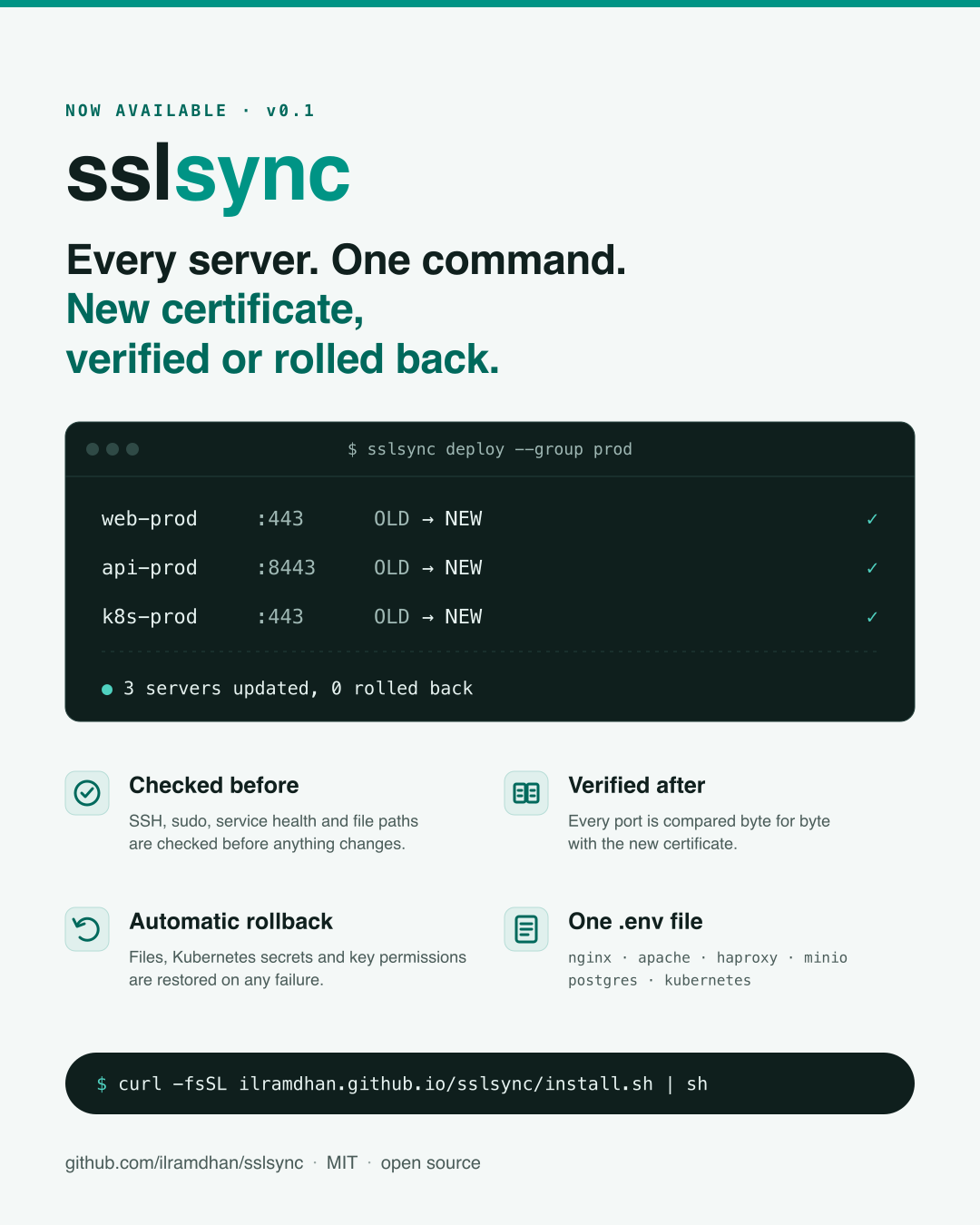
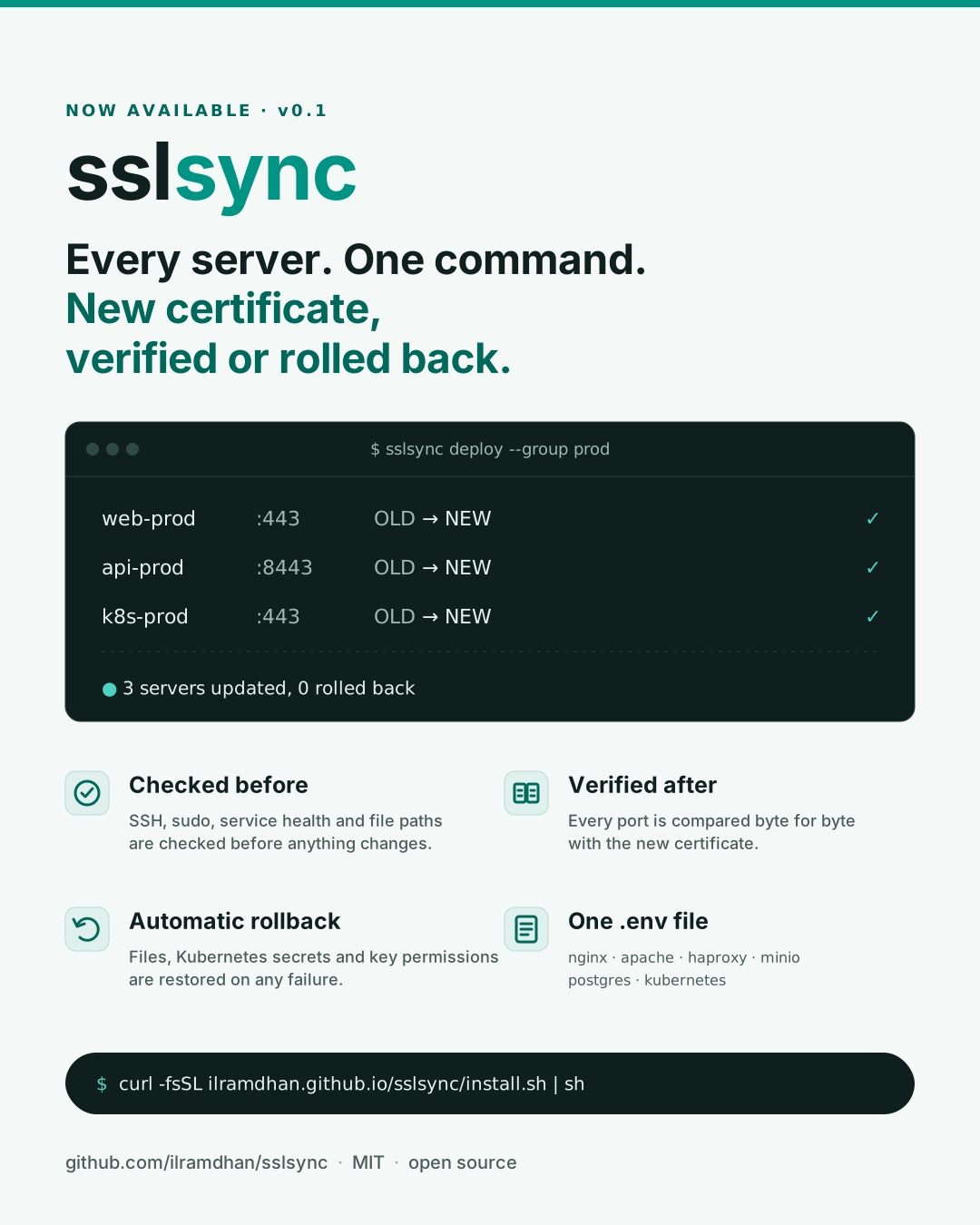
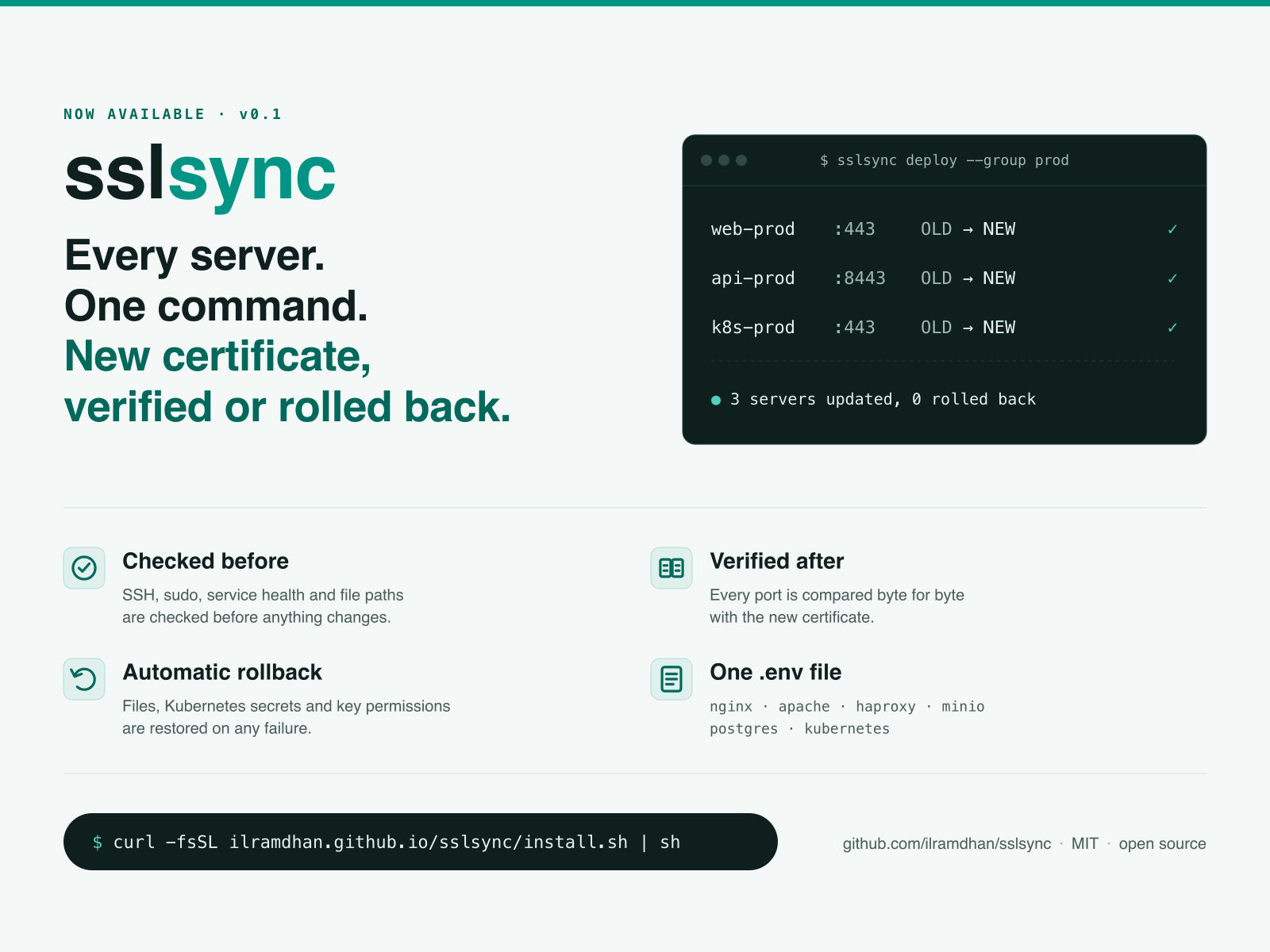
Images for announcing the first public release. Each PNG is rendered from the SVG next to it with rsvg-convert, using the same colors and wordmark as the banner.
| File | Size | Use |
|---|---|---|
launch-4x3.png (SVG) |
1600 × 1200 (4:3) | LinkedIn and X posts, Slack |
launch-portrait.png (SVG) |
1080 × 1350 (4:5) | Instagram and LinkedIn feed |
Suggested post text:
sslsync is now available. Every server. One command. New certificate, verified or rolled back. It checks SSH, sudo and service health before anything changes, compares every port with the new certificate afterwards, and restores everything if a step fails. Install it with
curl -fsSL https://ilramdhan.github.io/sslsync/install.sh | shand read the docs at https://ilramdhan.github.io/sslsync/.